

Solutions Route planning
Route planning software for delivery fleets.
Turn the day's orders into optimised routes in minutes, matched to your vehicles, shifts and time windows, and dispatched straight to the driver app.
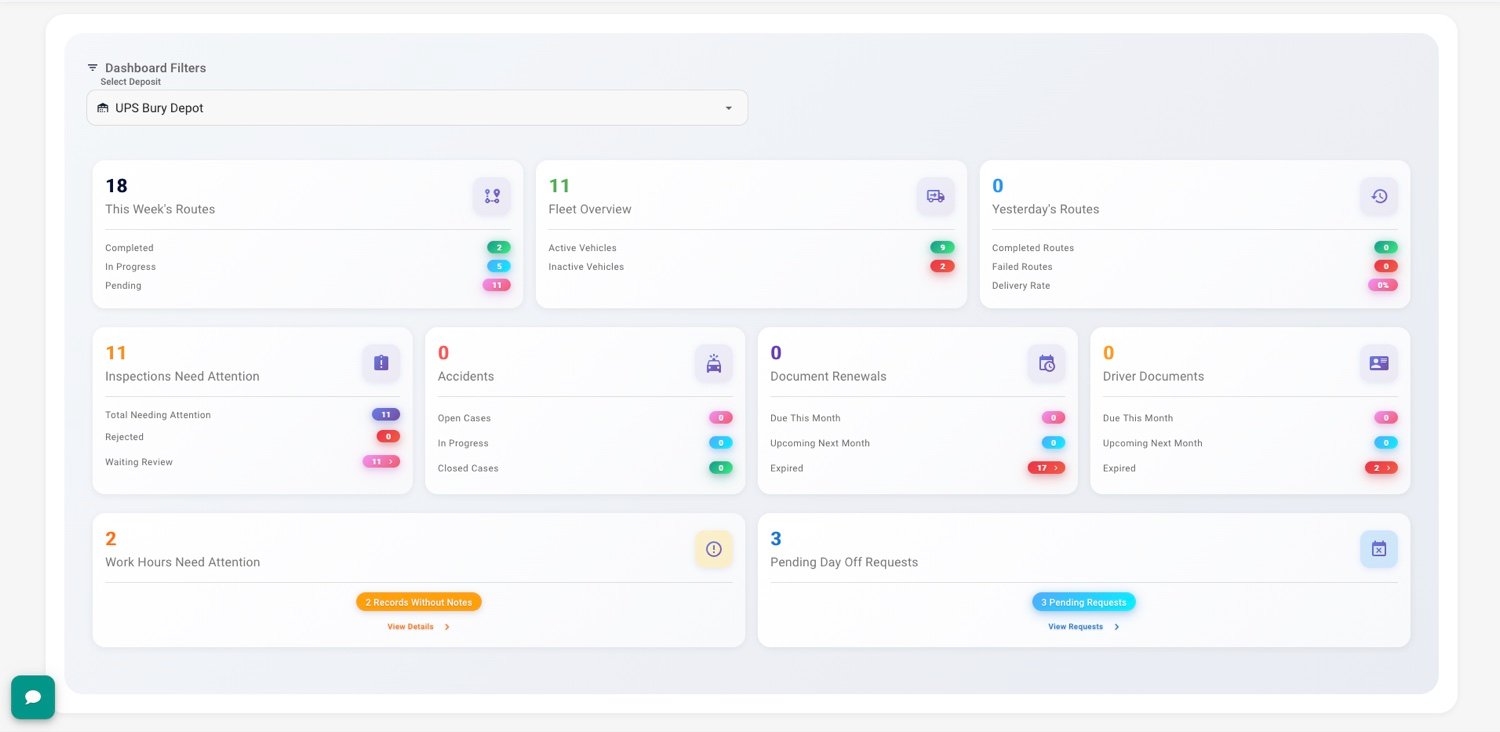

What the optimiser buys you.
Hours of planning down to minutes
The day’s orders become optimised routes in one run, instead of a morning in spreadsheets.
More drops per vehicle
Stops are sequenced against time windows and capacity, so vans finish routes instead of crossing town twice.
Less fuel per route
Shorter distances per stop cut fuel spend and vehicle wear without touching service levels.
No re-planning chaos
A cancellation or a priority order re-slots into the route by drag and drop, and the driver sees it live.
How route planning works in MLogTech.
- Step 1
Import the orders
Spreadsheet upload or API. Addresses are validated and geocoded on entry.
- Step 2
Set your constraints
Vehicles, capacities, shifts, time windows and depot. Set once, reuse daily.
- Step 3
Optimise and adjust
Routes come out sequenced. Drag stops between routes if reality disagrees.
- Step 4
Dispatch to the app
Drivers receive the final route with navigation and order details.
Optimisation that respects your constraints.
Capacity by weight or volume, driver shifts, customer windows, multiple depots. The optimiser plans inside your rules, not around them.
See all planning features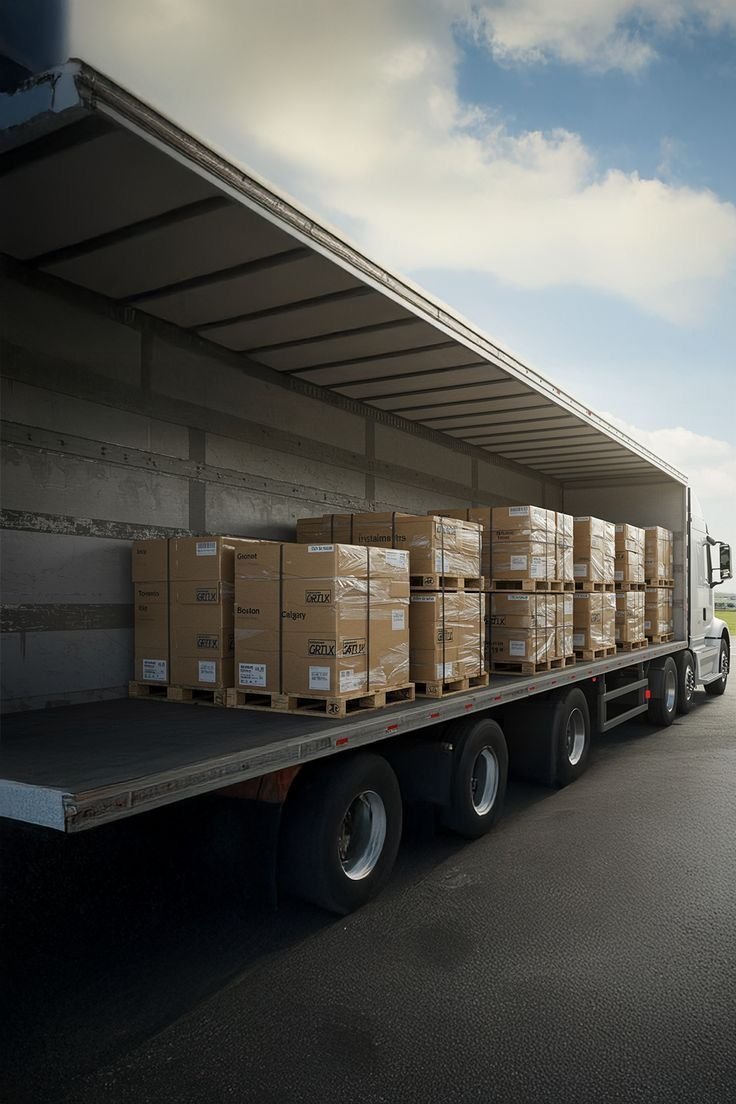
The plan survives contact with the road.
Live tracking shows the route as it actually runs. Reassign a stop, and the driver app updates before the next turn. Every completed drop returns an electronic proof of delivery (ePOD) against the order.
More on live tracking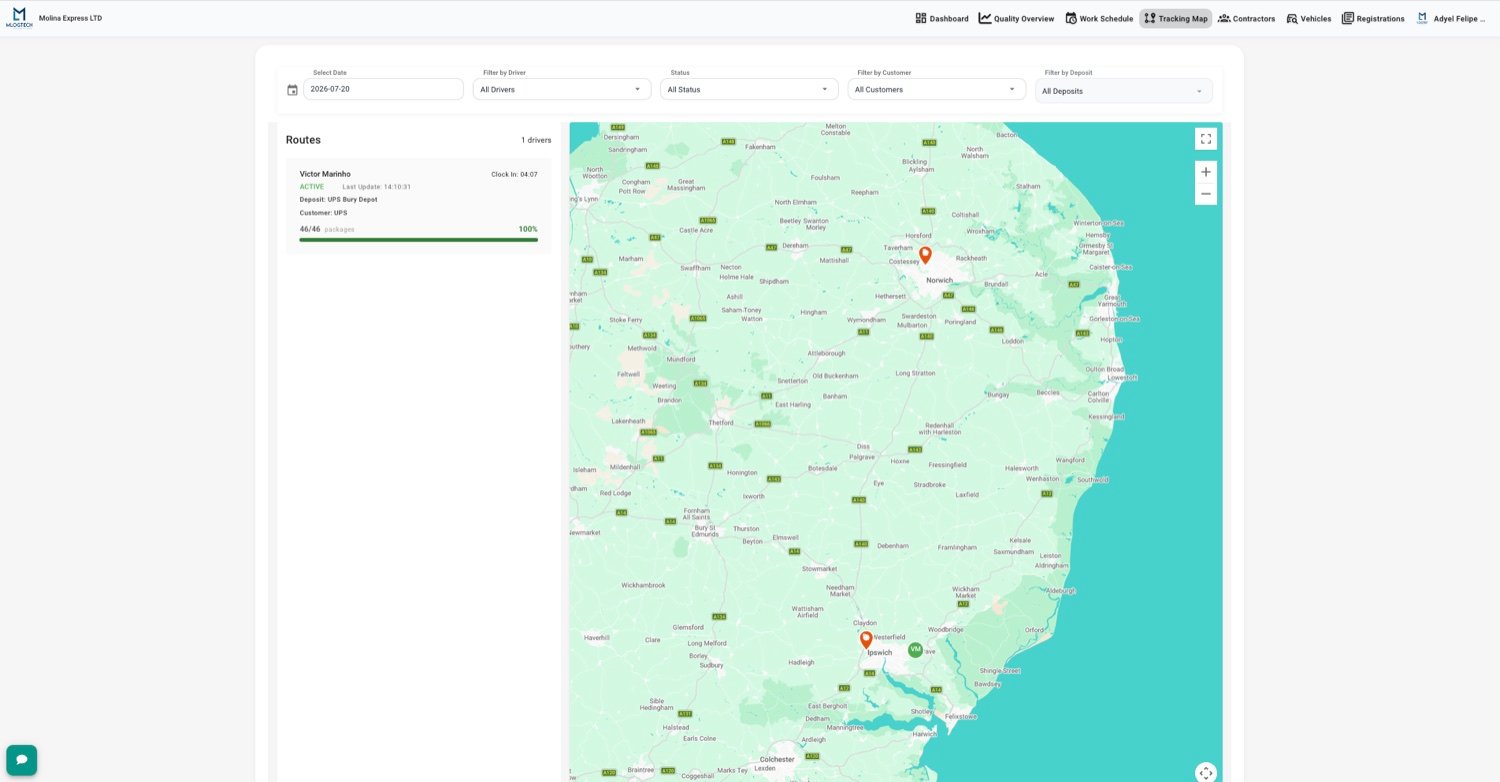
What is route planning and what does it change?
Route planning is the process of deciding which vehicle delivers which orders and in what sequence. Done by hand, it is a daily puzzle solved in spreadsheets and local knowledge: someone groups orders by postcode, guesses drive times and hopes the vans finish before the shift ends.
Route planning software replaces the guessing with optimisation. It takes the full list of orders, the fleet's real constraints (vehicle capacity, driver shifts, delivery time windows, depot locations) and computes routes that minimise distance and time while keeping every promise the business made to the customer.
The difference shows up in three places. Planning time collapses from hours to minutes, because the sequencing is computed instead of assembled by hand. Cost per delivery falls, because the same fleet completes more drops with less driving. And service improves, because arrival windows are planned rather than hoped for, and the dispatcher can see deviations while there is still time to react.
In MLogTech, planning is the first third of a longer loop: the plan dispatches to the driver app, execution reports back through live tracking, and every completed stop returns an ePOD attached to the original order. The route is one record from spreadsheet to signature.
Plan tomorrow's routes with MLogTech.
No driver minimum, and the optimiser is included from the first route.
- From login to a published route in under a minute
- Import orders from CSV or API
- Per-driver or per-order pricing
Common questions
What is route planning software?
Route planning software takes a list of deliveries and turns it into ordered routes for each vehicle, deciding which driver visits which stop and in what sequence. Good planners respect real constraints: vehicle capacity, driver shifts, customer time windows and depot location.
Can Google Maps do route planning?
Google Maps navigates between points but does not plan multi-stop routes across a fleet. It has no concept of vehicle capacity, time windows, driver shifts or proof of delivery. It works for a handful of stops with one vehicle; it stops working at fleet scale.
How much does route planning software cost?
Pricing is usually per driver or per order volume, with no driver minimum, so a one-van operation pays for one driver. See the pricing page for current plans.
How many stops can one route have?
The optimiser handles routes of hundreds of stops per vehicle. The practical limit is your service time per stop and shift length, which the planner respects when sequencing.
Does it work with time windows?
Yes. Each order can carry a delivery window, and the optimiser sequences stops so drivers arrive inside it. Orders that cannot fit are flagged before dispatch, not discovered on the road.
Can drivers change the route on the road?
Drivers execute the route in the app, and dispatchers keep control: re-sequencing and reassignments are done on the board and sync to the driver instantly, online or offline.