

Solutions Driver app
A delivery driver app that stays out of the way.
Routes, navigation, order details and proof capture in one app. Built for gloves, low signal and a hundred stops a day.
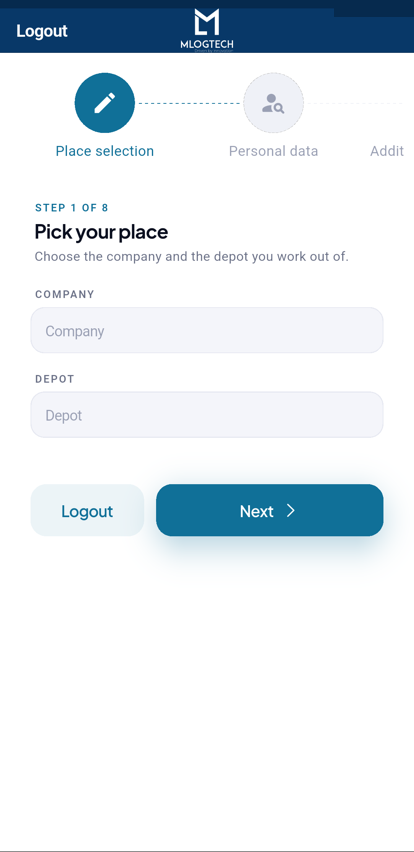

A driver’s day in the app.
- Step 1
Start of shift
Walkaround vehicle check in the app; defects go straight to the workshop queue.
- Step 2
Route arrives
Stops in sequence with navigation, parcel details and customer notes.
- Step 3
At the door
Scan, capture signature or photo, log payment if COD. One touch completes the stop.
- Step 4
End of shift
Everything is already synced. No paperwork to hand in.
Proof capture built for the doorstep.
Signature, photo, barcode and non-delivery reasons, stamped with time and location. The electronic proof of delivery (ePOD) is in the office system before the driver is back in the van.
More on ePOD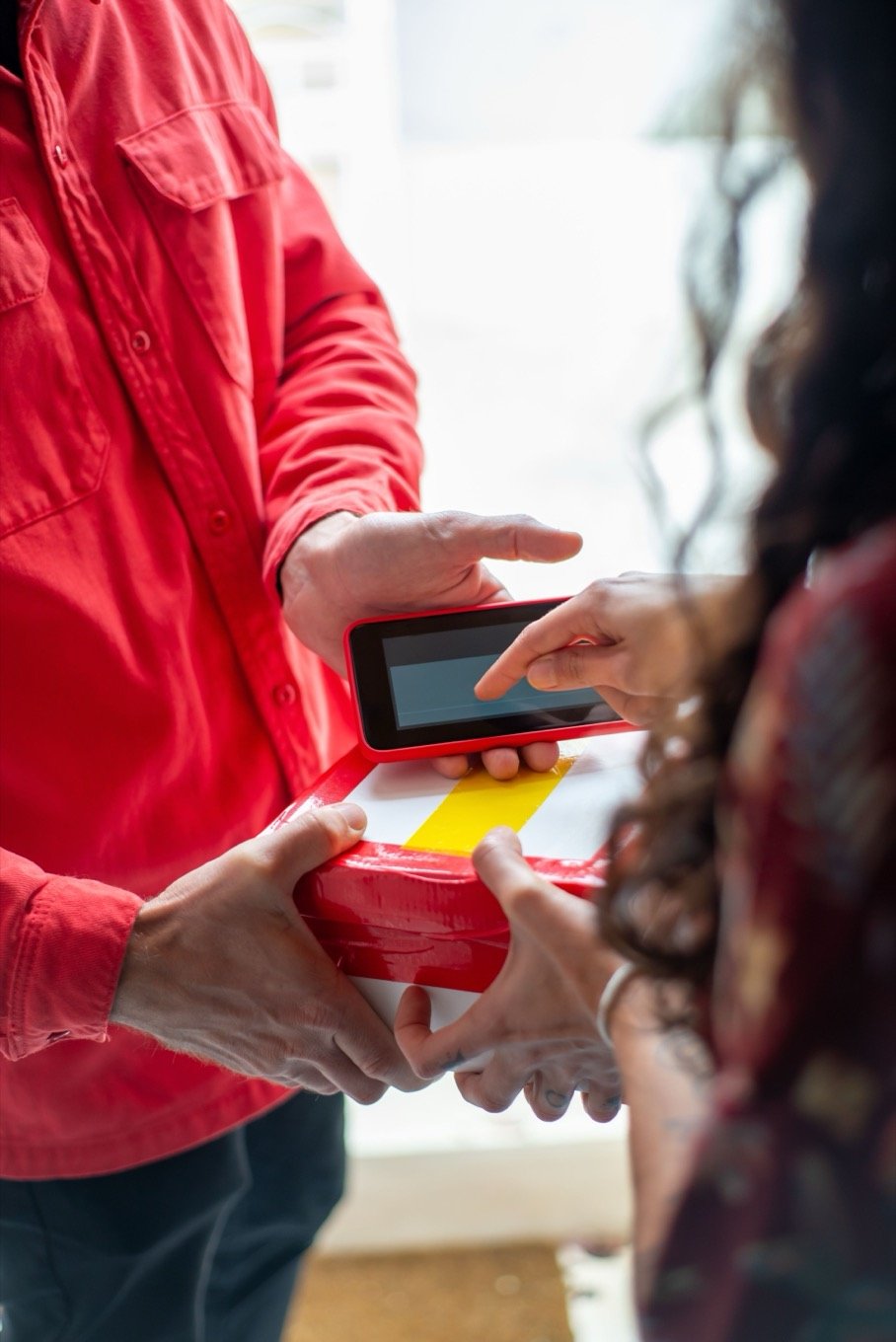
Two-way with dispatch, without phone calls.
Route changes land on the device instantly. Drivers flag exceptions with a reason code instead of a call. Everyone stays on the road.
How dispatch sees it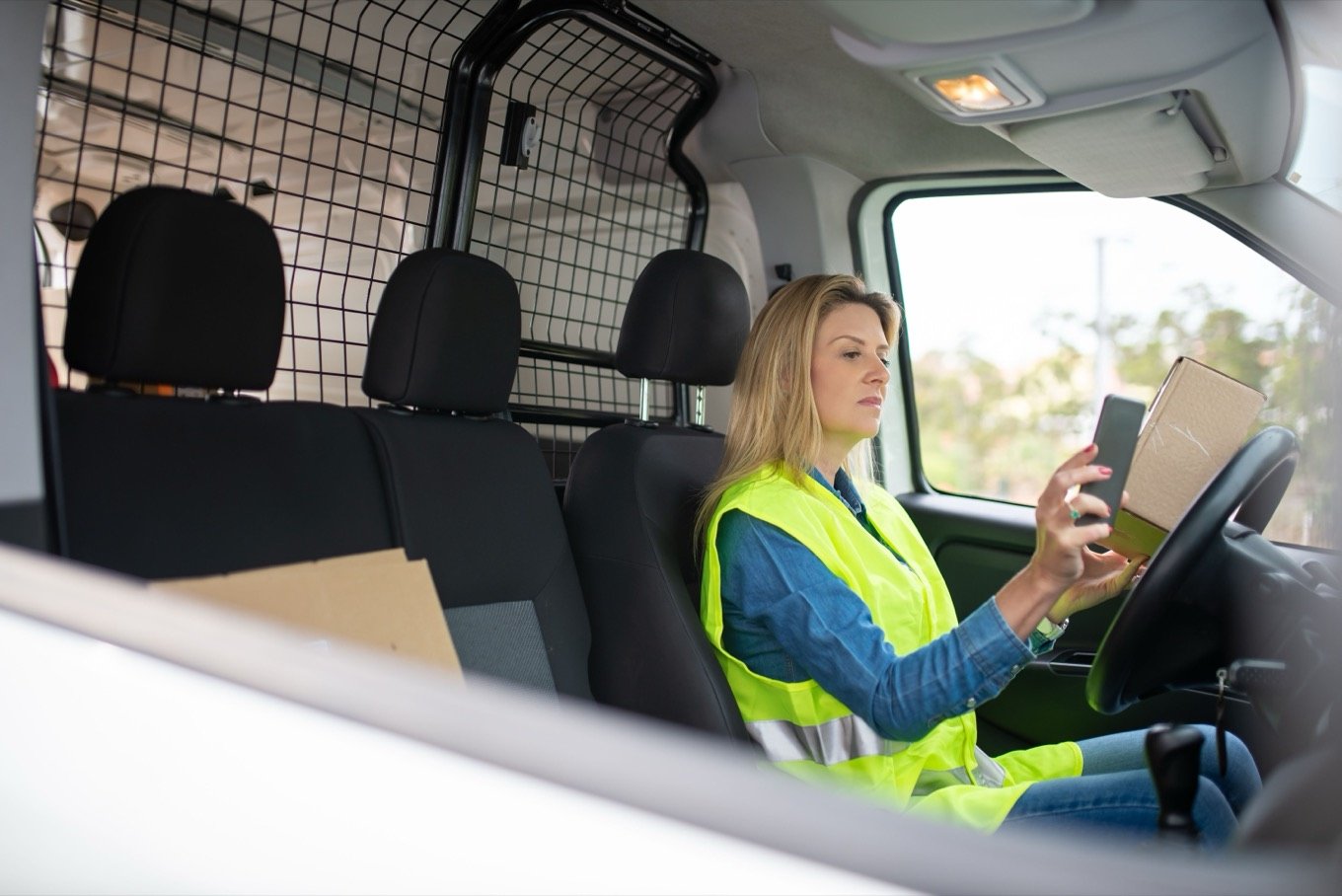
What the driver's shift feels like.
One app for the whole shift
Route, navigation, customer notes, proof capture and vehicle checks. No app-switching at the door.
Works offline
No signal at the loading bay or in the basement car park. The app keeps working and syncs when coverage returns.
Faster at every stop
One-touch completion, barcode scan against the order and signature on the screen. Seconds per drop, not minutes.
Less radio traffic
Dispatch sees progress live, so nobody calls the driver to ask where they are.
What makes a good delivery driver app?
A driver app is used standing up, in the rain, with one hand, a hundred times a day. The bar is not "feature-rich"; it is "never in the way". Every extra tap at the door is multiplied by every stop on every route.
The essentials are a clear stop list in the right order, navigation that launches in one tap, order details that answer questions before the driver has to call anyone, and proof capture (signature, photo, scan) that takes seconds.
The invisible essential is offline mode. Depots, basements and rural roads all drop signal, and the app must keep working: capture the proof, queue the sync, recover silently. An app that blocks on connectivity fails exactly when the job is hardest.
The MLogTech driver app does the essentials and adds the shift around them: vehicle walkaround checks at the start, cash on delivery when it applies, and feedback capture when you want it. Everything syncs to the same record the office sees.
Put the route in your drivers’ pockets.
iOS and Android. Included in every plan, offline mode and all.
- From login to a published route in under a minute
- Import orders from CSV or API
- Per-driver or per-order pricing
Common questions
Does the app work without signal?
Yes. Routes are loaded to the device, proof capture works offline, and everything syncs automatically when coverage returns.
Which phones does it support?
iOS and Android, on ordinary consumer devices. No dedicated hardware is required, though it also runs on rugged Android devices.
How do drivers get their routes?
Dispatch publishes the route from the web panel and it appears in the app instantly, with stops in sequence, navigation and order details.
Can drivers capture payments?
Yes. Cash on delivery amounts are recorded at the stop and reconciled against orders in the web panel.
What about vehicle checks?
The app includes digital walkaround checks at the start of shift. Defects are logged with photos and flow into the defect queue for the workshop.