

Features QR and barcode scanner
Scanning that kills wrong-parcel deliveries.
The camera on the driver’s phone is the scanner. Parcels are validated against the order at loading and again at the door, so the wrong box never gets signed for.
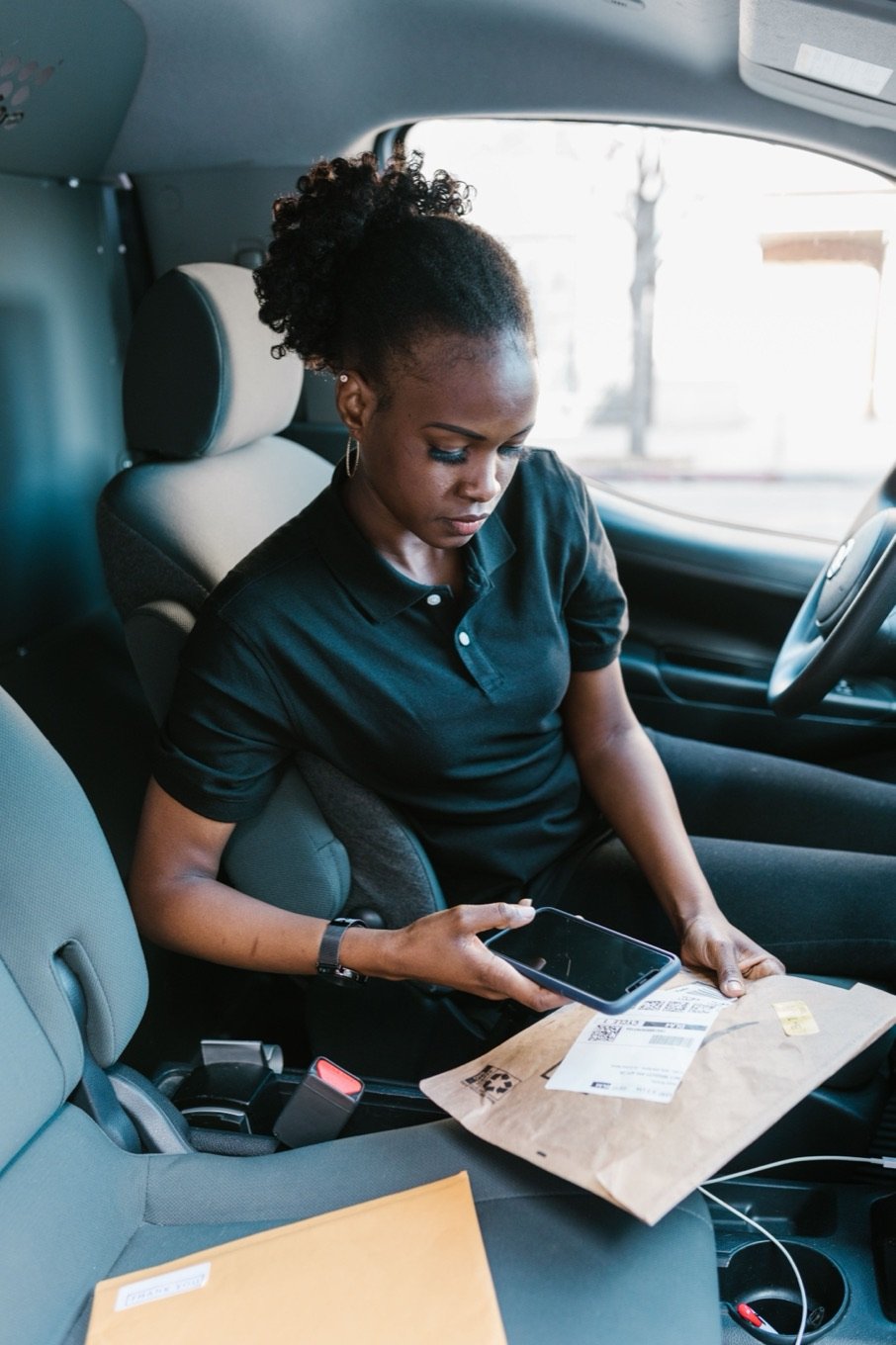
Where the scan happens.
Load verification
A scan at the depot confirms every parcel for the route is actually on the van.
Door verification
A scan at the stop matches the parcel to the order before proof capture opens.
QR and 1D barcodes
Standard label formats work out of the box, with quantities for multi-parcel orders.
See the whole platform, not just one feature.
See it against your own data first.
- From login to a published route in under a minute
- Import orders from CSV or API
- Per-driver or per-order pricing
Common questions
Do I need dedicated scanners?
No. The driver app uses the phone camera. Rugged devices with hardware scanners also work if you already have them.
What label formats are supported?
Common 1D barcodes and QR codes. If your labels come from another system, the existing codes can be used as-is.
Does scanning work offline?
Yes. Validation runs against the route data already on the device.